Income and expense records
Add, search, filter and edit transactions in seconds. Everything in one place instead of paper notebooks and scattered Excel files.
Organize your finances, make better decisions
Beez Finance Assistant records your income and expenses in one place, shows profit and loss clearly, and supports your business decisions with hard numbers.
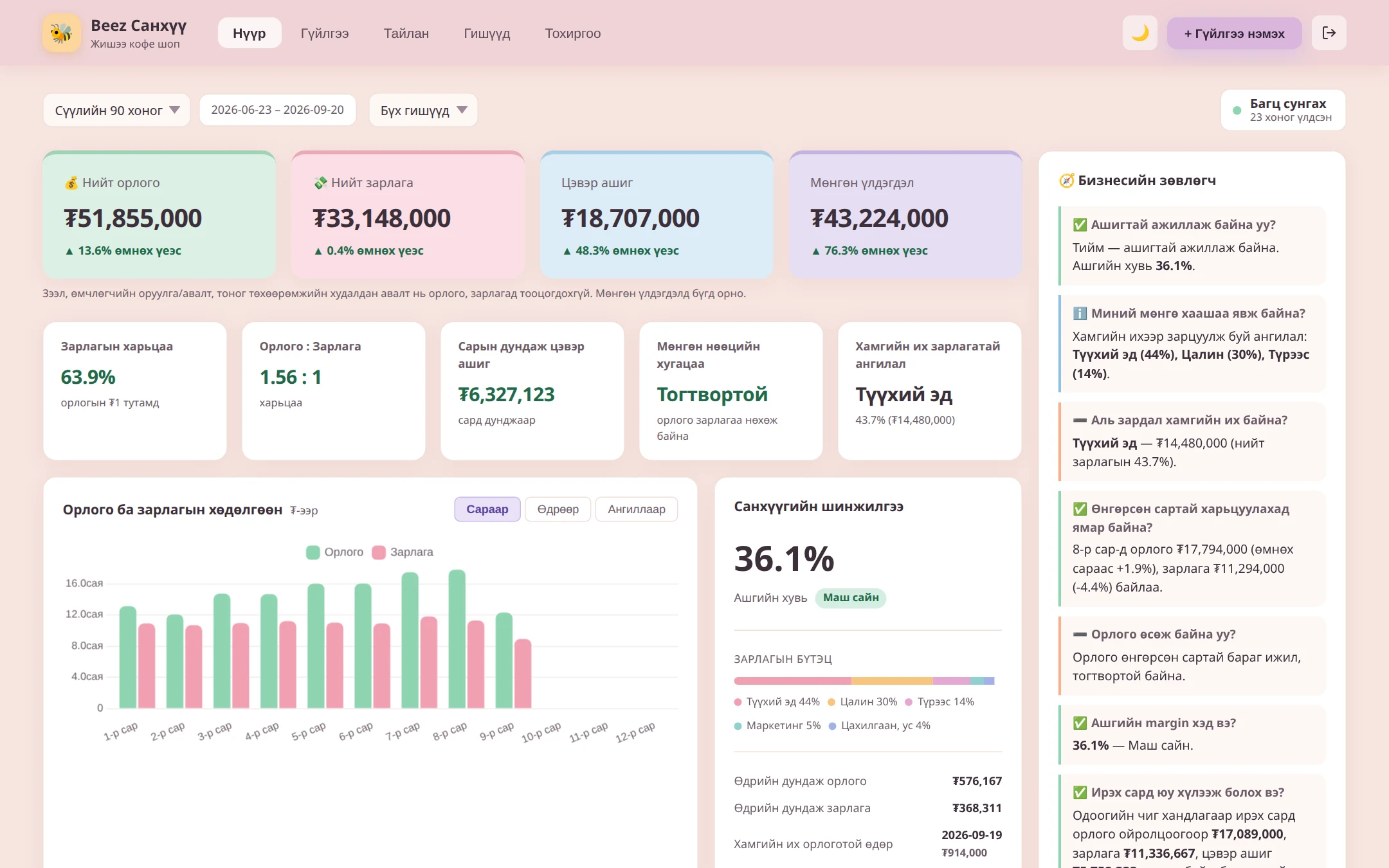
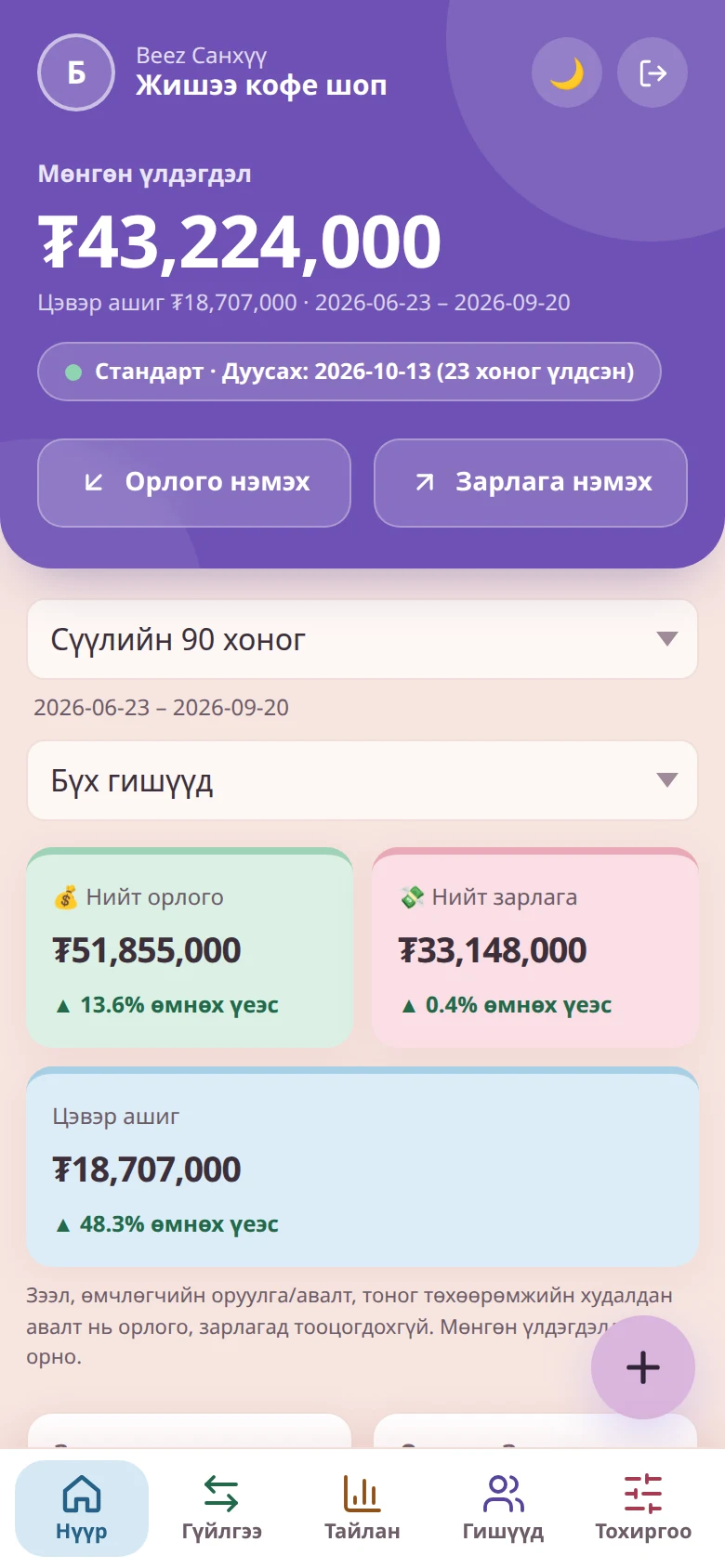
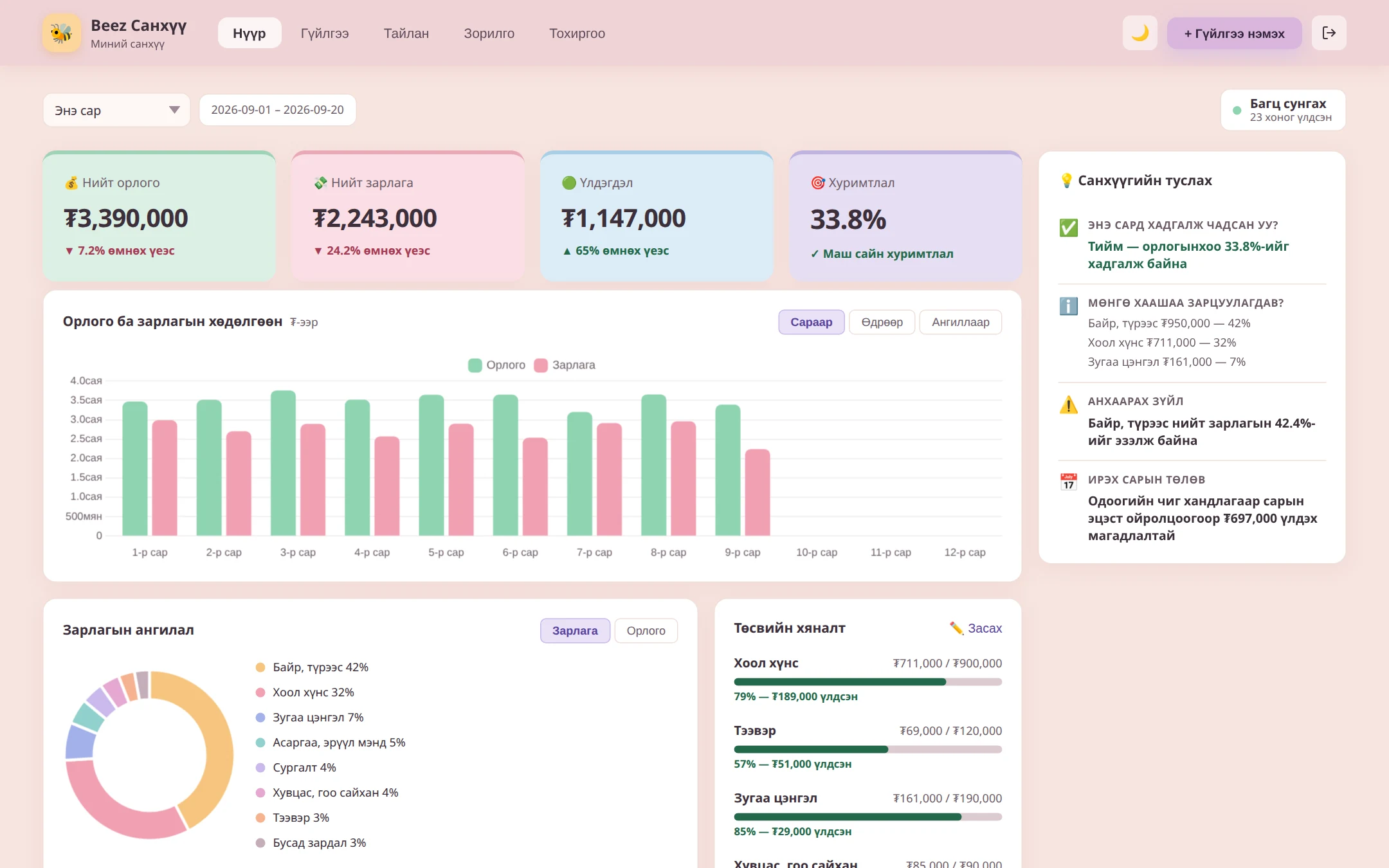
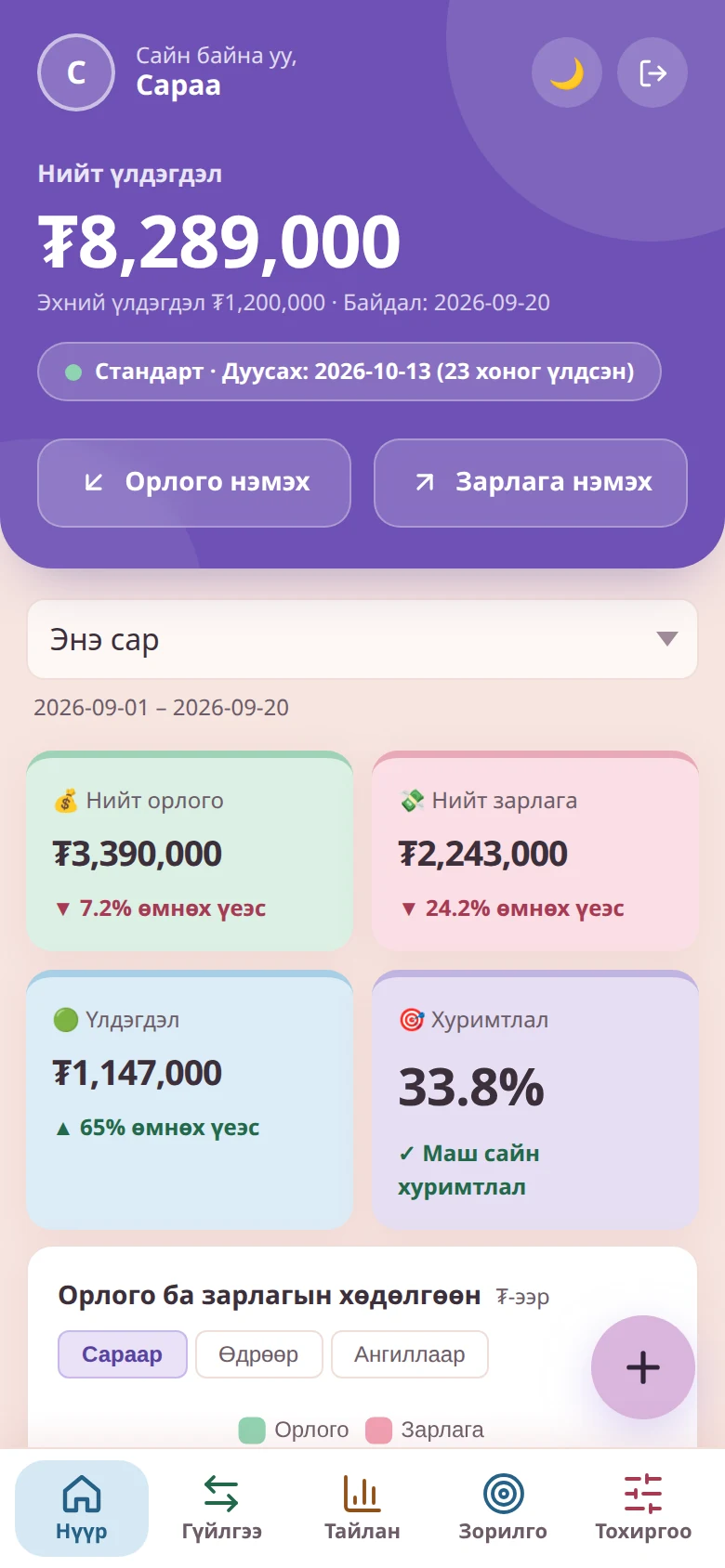
Business and personal accounts each have their own dashboard. The images below show the real system, designed to work like an app on your phone.
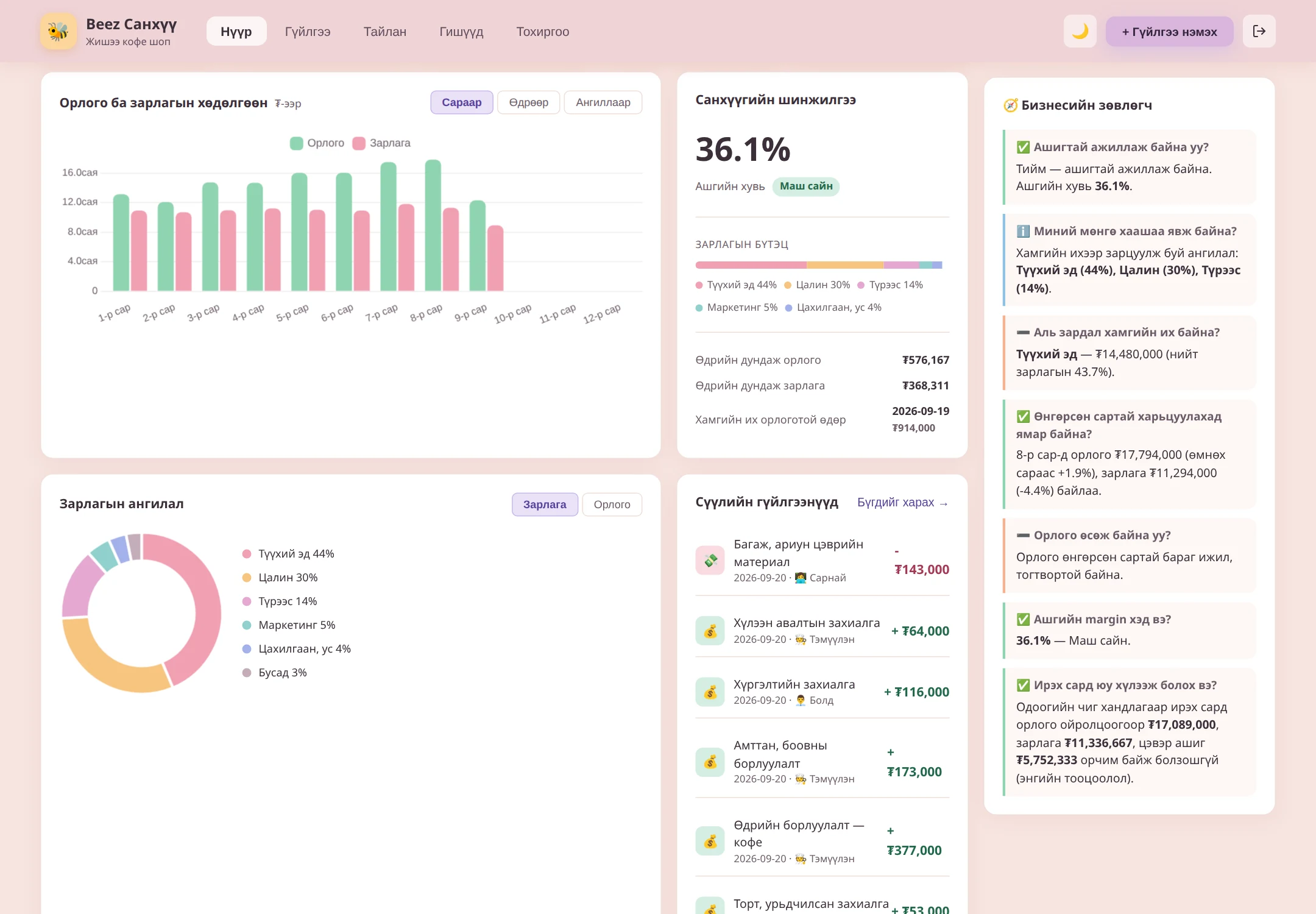
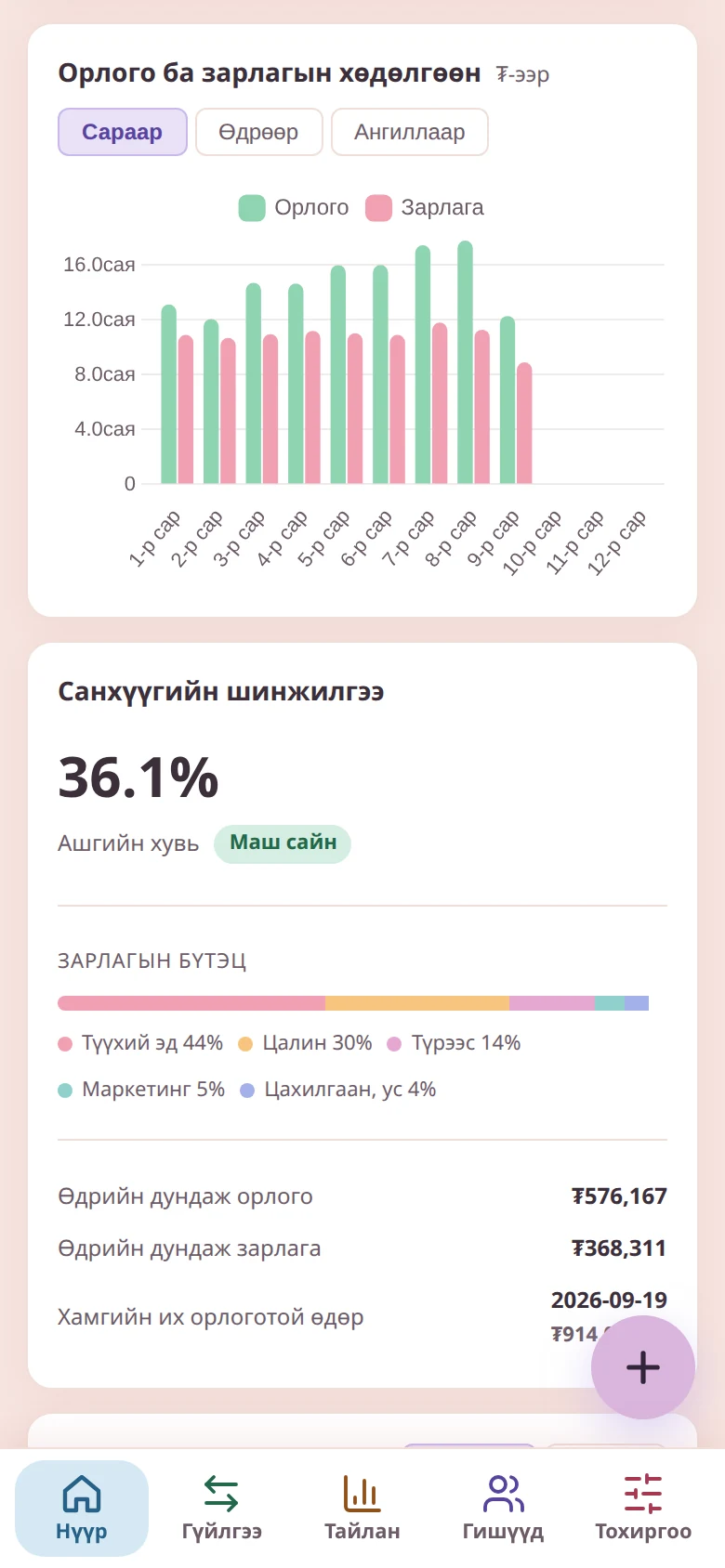
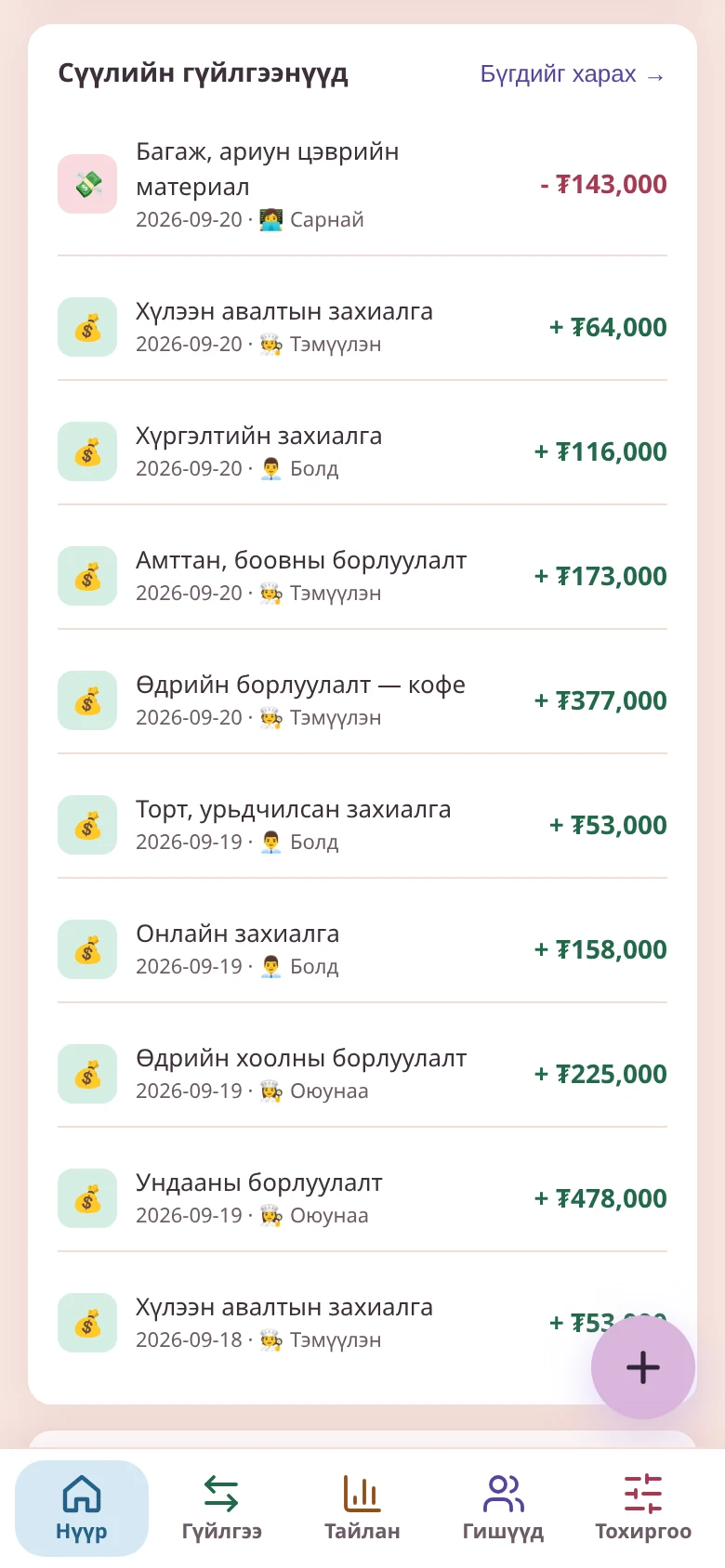
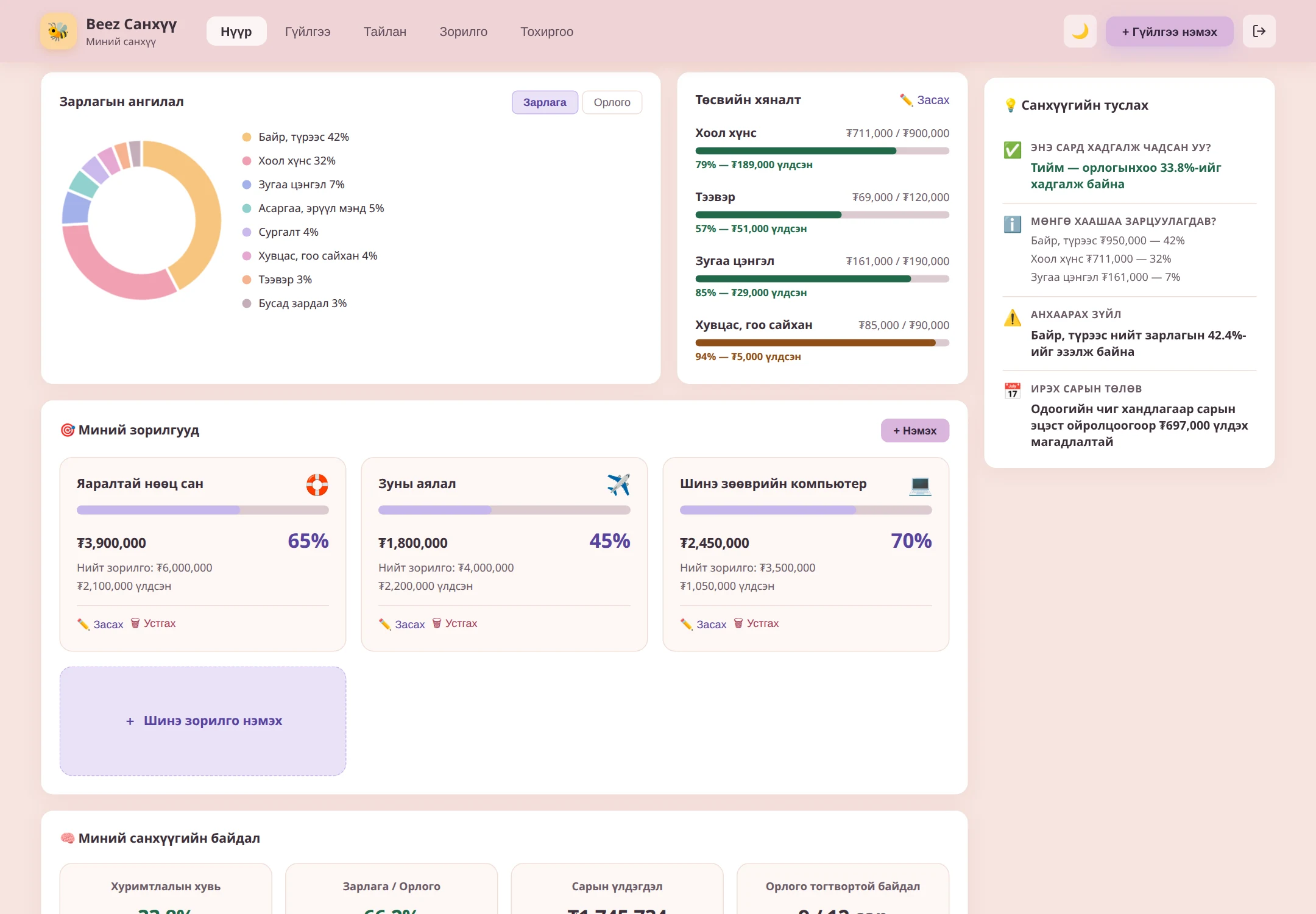
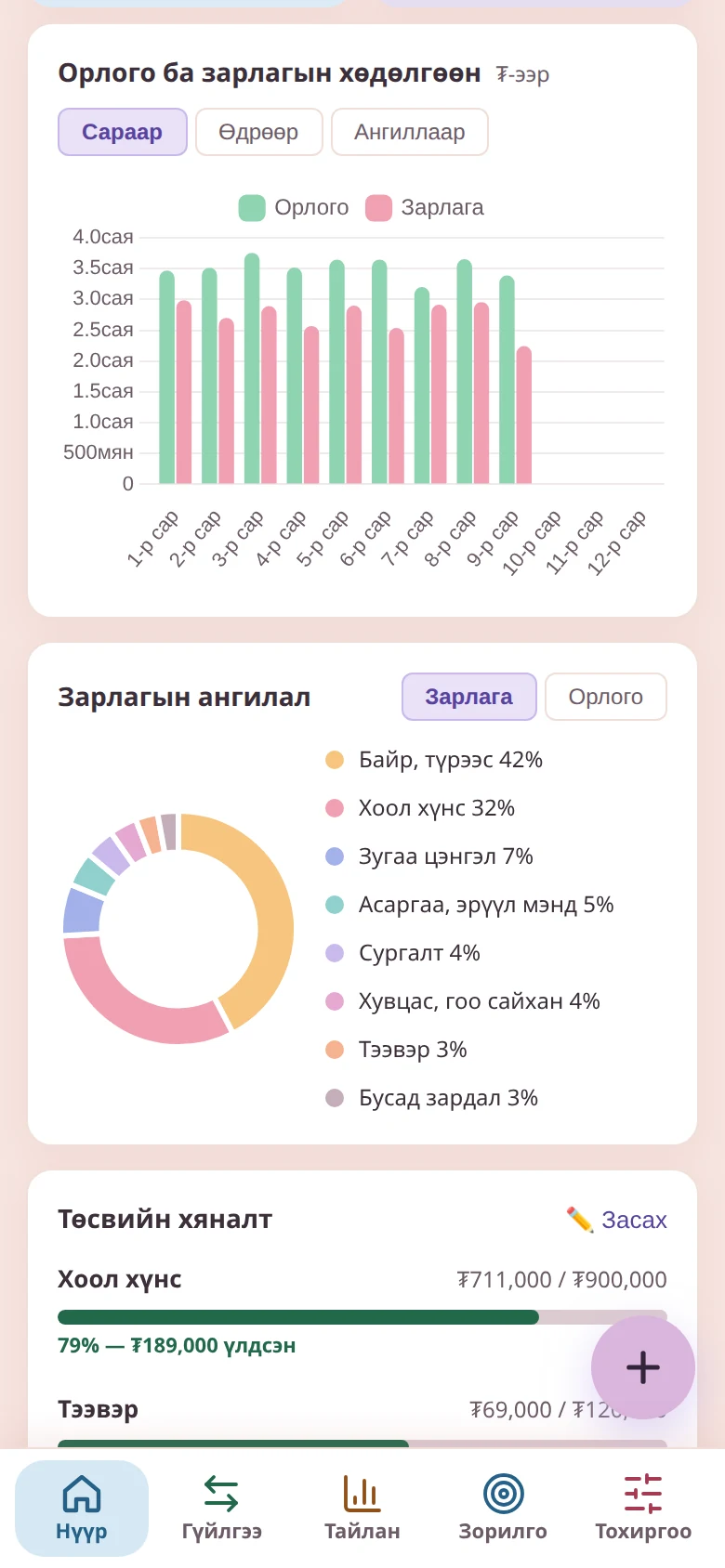
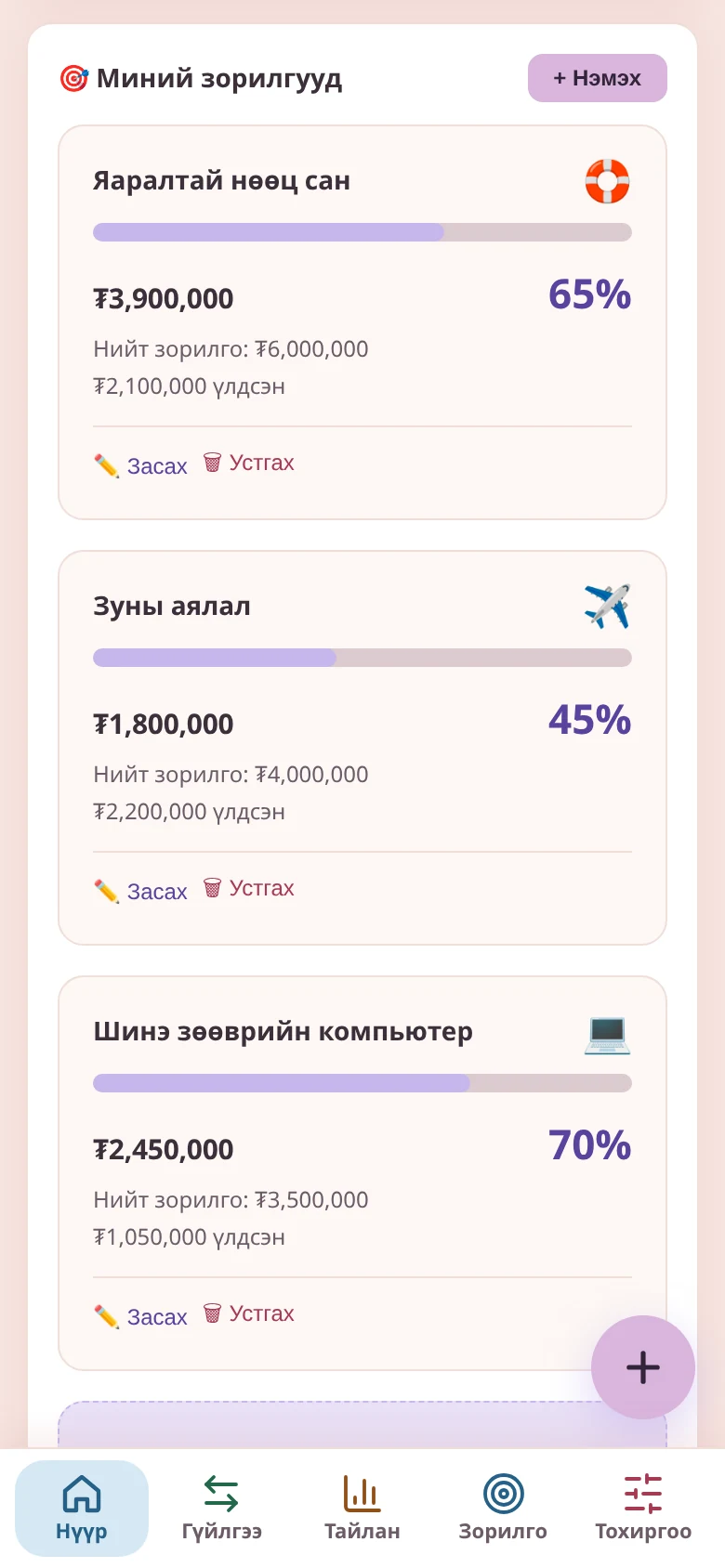
From recording to reports and analysis — everything you need to manage your finances in one system.
Add, search, filter and edit transactions in seconds. Everything in one place instead of paper notebooks and scattered Excel files.
See total income, total expenses, net profit and cash balance together with charts in one view.
Indicators such as profit margin, expense breakdown and average daily income and expenses keep you heading the right way.
The income statement, balance sheet, cash flow and equity statements are generated automatically from your records.
Set access by role — owner, accountant or staff — to protect your information.
Choose the mode that suits you and work comfortably any time of day or night.
Add your income and expenses to the system every day.
The dashboard calculates all the numbers automatically and shows them as charts.
Plan your business's next step based on the analysis and reports.
Beez Finance Assistant answers a business owner's everyday questions.
Check your net profit and profit margin every month to assess the health of your business.
Find your biggest expense category in the breakdown and see where to save.
Know your highest-income day and your average daily income and expenses to plan your work.
Use your cash balance and cash flow statement to prepare for upcoming expenses.
Choose the package that fits your business. You can renew or upgrade at any time.
Record your income and expenses and see the real state of your business in one place.